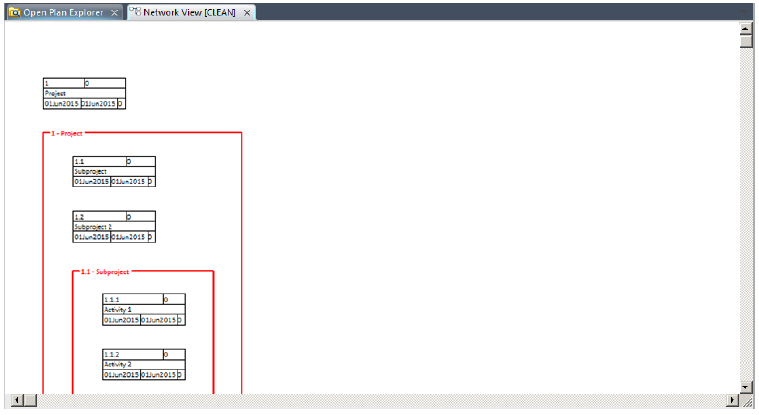
Displaying Multiple Subprojects
Displaying expanded subprojects from multiple hierarchical levels usually requires the use of commands.
These commands are as follows:
- Go To Subproject: Drill down to the next level of the project. The level from which you drilled down is no longer displayed in the view.
- Expand: Maintain the current level of the view, but display the children of the selected activity as an expanded subproject.
To understand how you might use these commands to expand subprojects from different levels, assume that you want to represent the following project in a single network view:
| Activity | Description |
|---|---|
| 1 | Project |
| 1.1 | Subproject 1 |
| 1.1.1 | Detail activity 1 |
| 1.1.2 | Detail activity 2 |
| 1.2 | Subproject 2 |
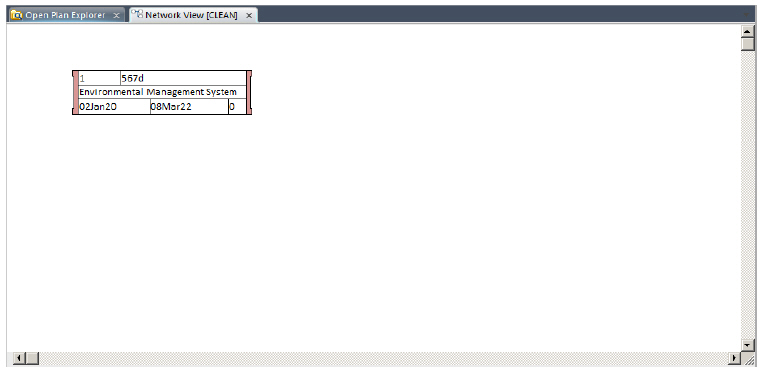
When you first display this project in a network view, only the top level activity appears:
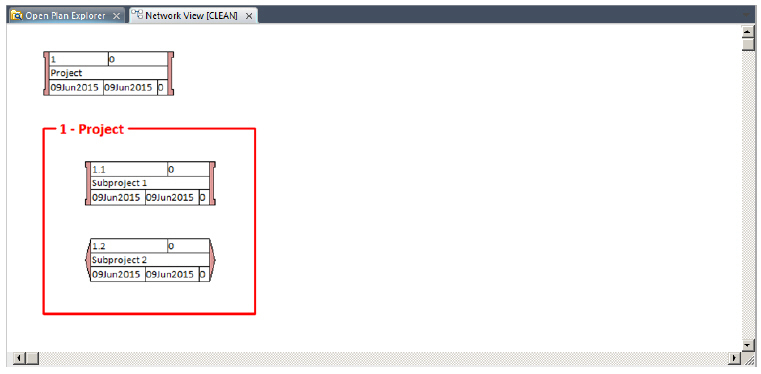
By selecting this activity and clicking Expand, you can display the following:
To display the detail activities in the project, you must first drill down a level and expand Subproject 1:
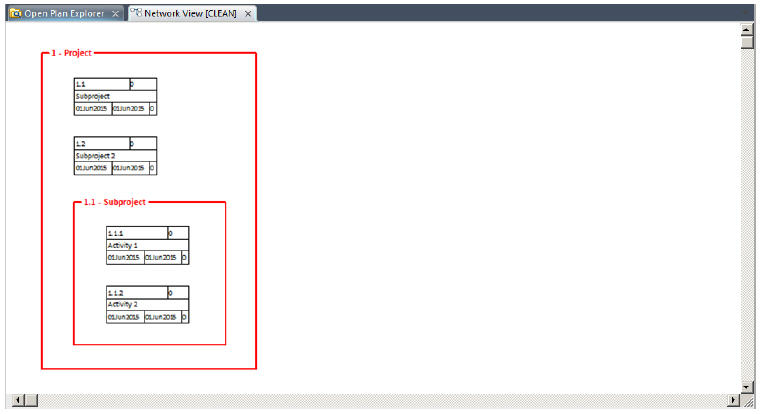
After you have displayed the lowest level of detail in the project, click the Go To Top Level command to display all of the expanded subprojects in the same view: