LOS-Associated Content
Within a given family, section, or product type element, use LOS-associated content to automatically adjust the articles and paragraphs included in your project based on either the project's current level of specification (LOS) or the element's target LOS.
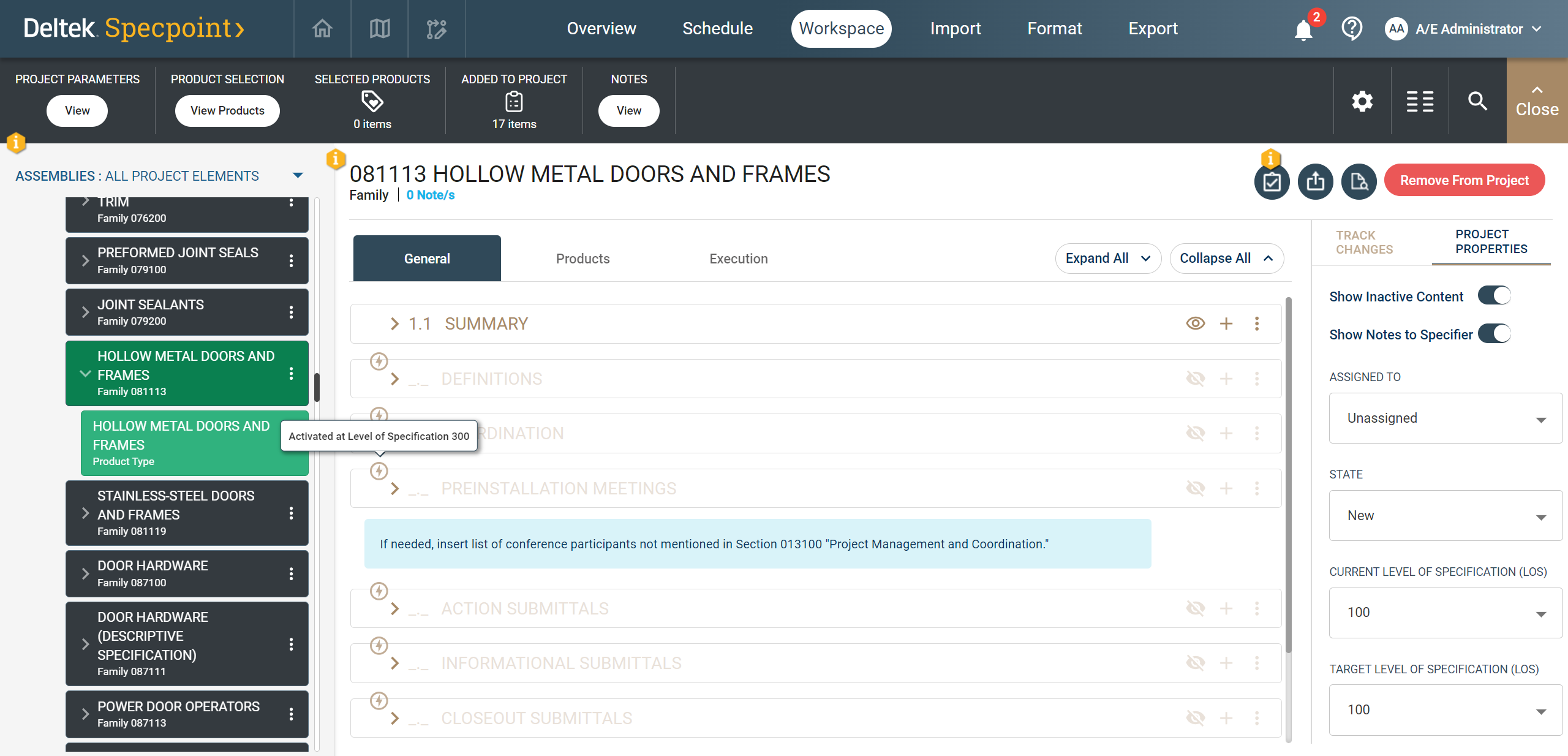
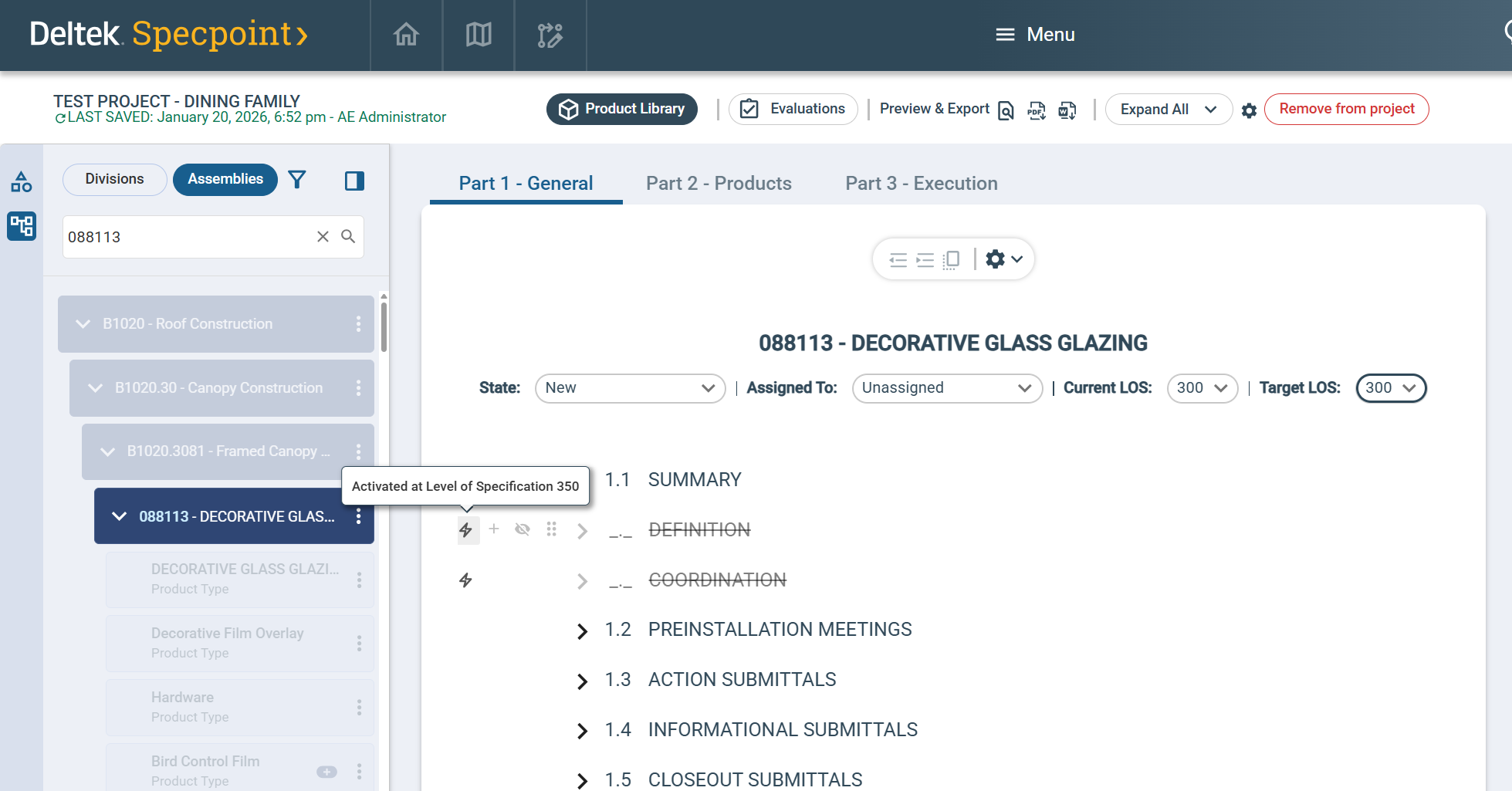
Typically, LOS-associated content are articles and paragraphs that describe properties and details dependent on project progress and prioritization. LOS-associated articles and paragraphs display an icon ( /
/ ) and a tooltip, which enable you to identify items affected by LOS rules and automated content changes.
Specpoint automatically evaluates your selected LOS and activates or deactivates these items as needed.
) and a tooltip, which enable you to identify items affected by LOS rules and automated content changes.
Specpoint automatically evaluates your selected LOS and activates or deactivates these items as needed.
See Level of Specification and Level of Specification (LOS) Tagging.
When you update the Level of Specification for your project, Specpoint automatically activates and deactivates associated content items across all added elements in your project. Likewise, when you update the Target Level of Specification (LOS) of a given element, Specpoint automatically activates and deactivates associated content items in that element based on the new target LOS. This helps you maintain the level of included information and detail as you progress through the design and development phases of your project and individual project elements.
New Workspace
Classic Workspace