Accept a Track Change
Accept a track change to finalize a decision and include the change in your family, section, or product type.
To accept track changes within a project, you must be an administrator or author. To accept track changes within an office master, you must be part of the office master access group.
To accept a track change:
-
On the Track Changes tab (
 ) of the workspace, select a track change tip.
You can also select the in-line track change in an article or paragraph.
) of the workspace, select a track change tip.
You can also select the in-line track change in an article or paragraph. -
In the track change tip, click
 .
For additions, the in-line track change displays in the default black font. For deletions, the in-line track change and the deleted content is no longer visible. The track change tip displays the following message: Accepted Edits.
.
For additions, the in-line track change displays in the default black font. For deletions, the in-line track change and the deleted content is no longer visible. The track change tip displays the following message: Accepted Edits.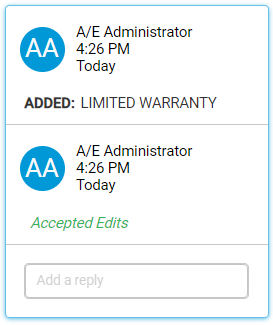
You can still reply to an accepted track change tip.