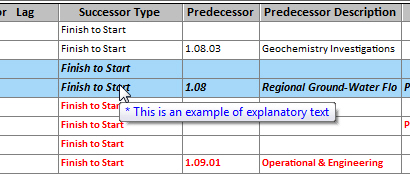
Explanatory Text Captions
You can create explanatory text captions for spreadsheets, barcharts, and network views explaining why formatting was applied to a particular row or cell. The text is displayed when you hover your cursor over the row or cell.
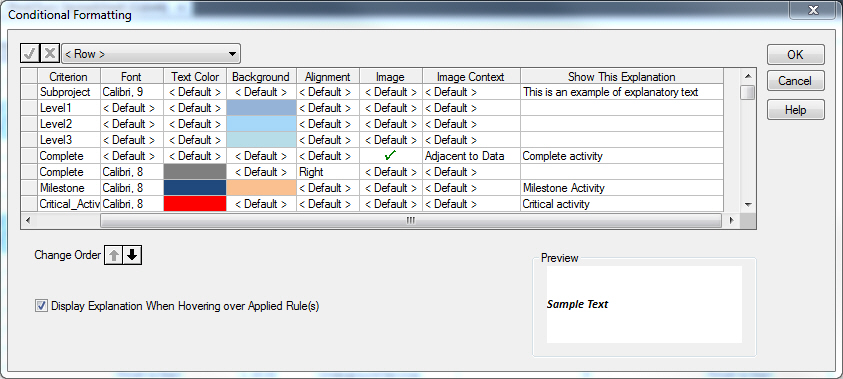
You can enter the explanatory text captions in either the Bar Set Preferences or Conditional Formatting dialog box, under the Show This Explanation column.
Here is an example of explanatory text in the Conditional Formatting dialog box:
This is what it looks like in the spreadsheet.