Assigning Resources
To define budgets using resources, you must first define the resources in a resource file and then attach the resource file to the project. Then you add resource assignments to the activities.
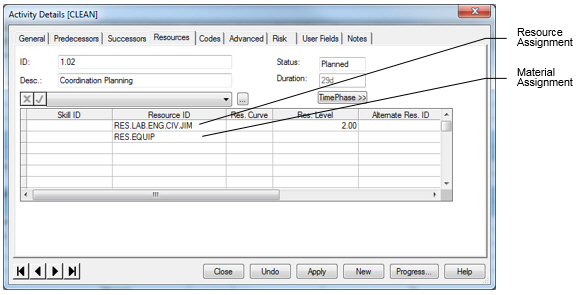
You can define the assignment as a total to be spread based on a curve. This allows you, for example, to enter budgets as totals that are front- or back-loaded over the duration of the activity. By using a total, the budget does not change as the duration changes. Resources can also be assigned as a rate per day by leaving the curve field blank.
Attention: For more information on defining resources, see
Defining Resources and
Defining Resource Profiles.