Expense Entry
Access to an expense sheet is available within the employee workspaces, enabling entry of expenses and employee reimbursement.
The expenses are assigned to a project and relevant tasks on the selected project.
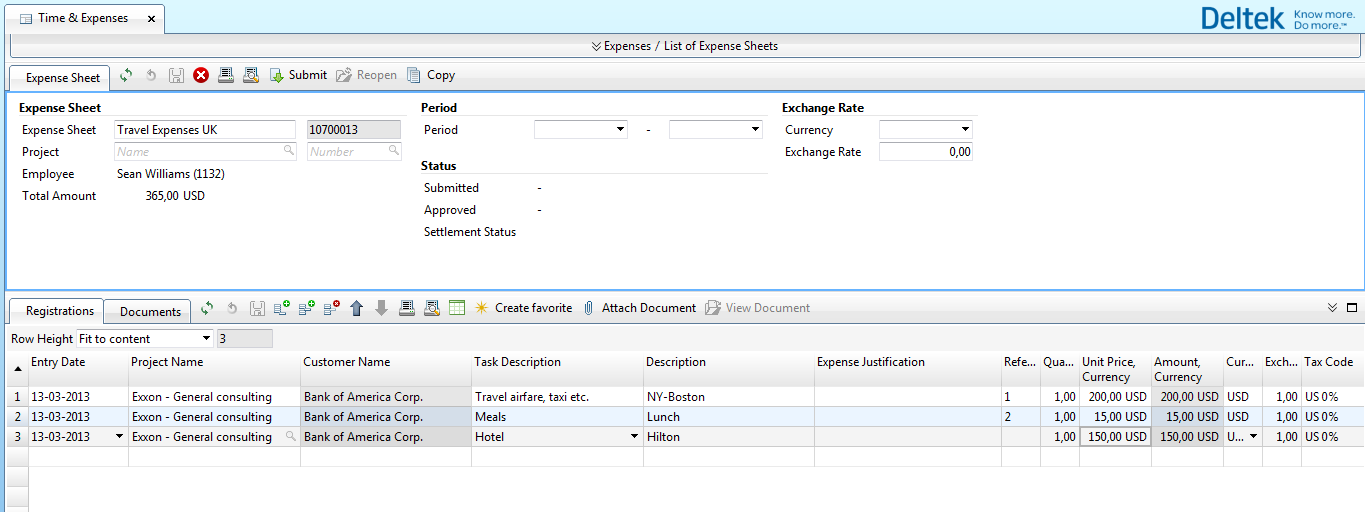
Because Maconomy is a multi-currency solution, you can enter expenses in any currency. Using exchange rate tables, the finance functionality in the solution is available in project, enterprise, and local currency.
Employees are reimbursed for their expenses when expenses have been checked and approved by a Department Manager and the Finance Department.
Expense sheet functionality includes:
- Expense sheet lines prepopulated with information from the time sheet line for quick completion.
- Task lists showing only expense-related tasks available on the project.
- Mandatory expense justification.
- For expenses in foreign currencies, the system suggests an exchange rate, but the employee can enter the exchange rate manually.
- The ability to scan receipts and attach them to the expense sheet for documentation.
- The ability to enter mileage.