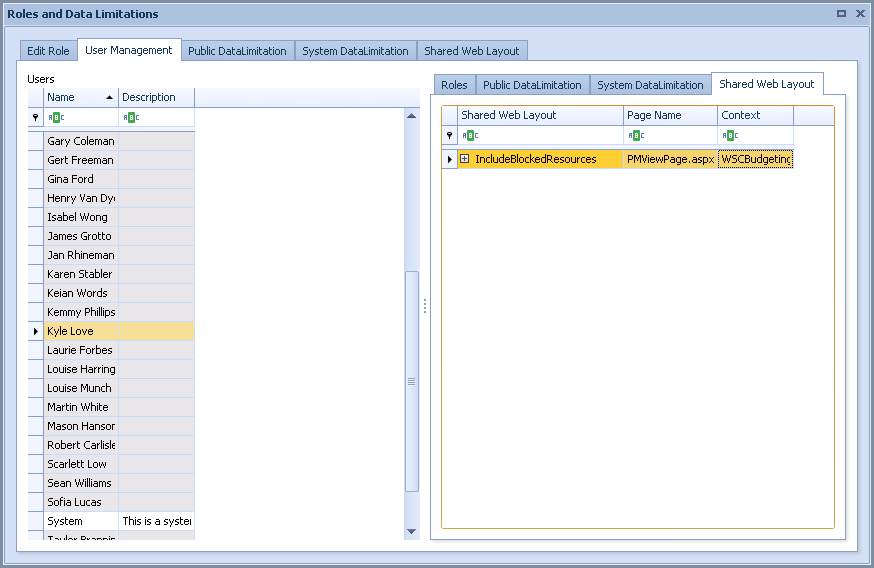
View Users and the Shared Web Layouts They Can Access
You can also use the User Management tab to view users and the Shared Web Layouts that they can access.
To view users, Shared Web Layouts, and the role(s) that are linked to those layouts:
-
Click the Shared Web Layout tab in the right-hand pane.
The following figure shows that because the example user Kyle Love has the Account Management WSC role, and that role is linked to the example PG/RG Account Manager Shared Web Layout, he has access to this Shared Web Layout.