Articles
For a given family, section, or product type element, use articles to group paragraphs and property sets under a part (element tab) in the project element.
An article is a heading in a single line or a title that describes its paragraphs. You can also refer to articles as property groups as these provide organization to a project element's properties under a given part.
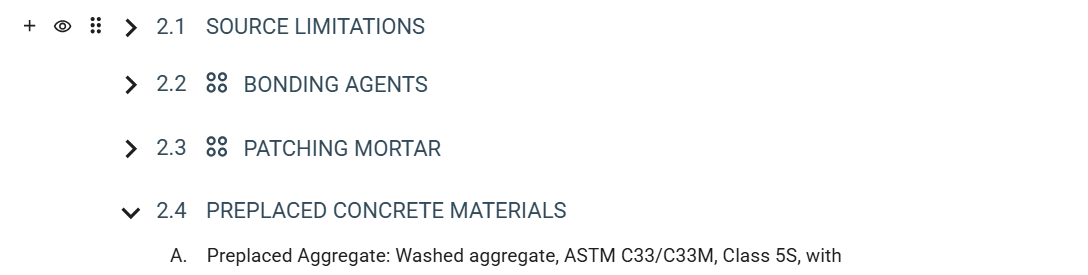
New Workspace
Classic Workspace
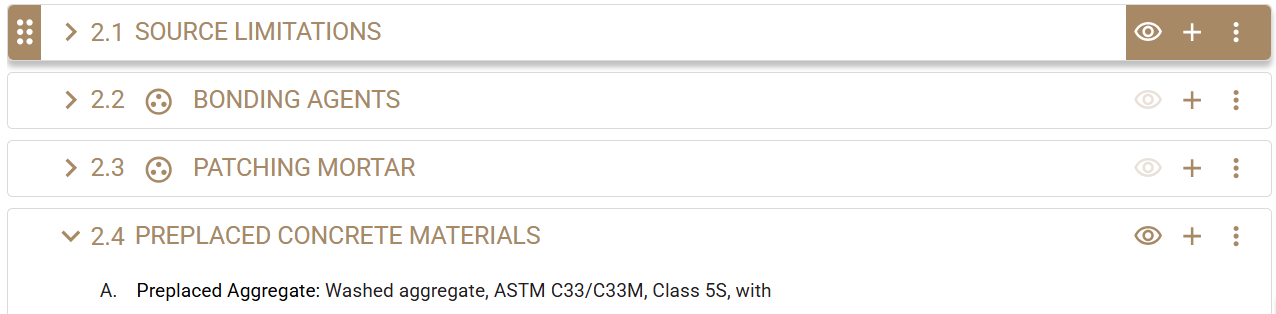
- Expand an article to show all paragraphs that are under it. Likewise, you can collapse an article to hide all its paragraphs.
This enables you to customize your view as you review, rearrange, or modify the contents of the project element.
- Rearrange articles to prioritize specific content and create a custom order.
- Activate an article to show the article and its paragraphs in the preview and output, and enable modifications for it.
- Inactivate an article to hide the article and its paragraphs from the preview and output, and disable modifications for it.
- Add new articles.
- Modify user-added articles.
- Remove user-added articles to clear unnecessary project-level content.
An article can have notes to specifier to guide you in including and modifying the article for your project.
Content Source Types
In Specpoint, the level of modification you can make on an articles depends on its source type. The following types are available:
| Type | Description |
|---|---|
| Baseline Content | This refers to articles that a document master or base document includes. Baseline content can have the following sources:
When you add a family, section, or product type to a project, the element contains default or standard articles based on the document master. You can perform all available actions on a baseline article except modify its title or remove it. To remove an unnecessary baseline article from your project, inactivate it. As part of the office master access group, you can modify baseline or office master articles. |
| User-Added Content | This refers to articles that you or another member of the project team added. This content is on the project level.
When you add a family, section, or product type to a project, you can add new articles to create custom content. You can perform all available actions on a user-added article. |