View Shared Web Layouts and Users Who Can Access Them
Use these steps to view the list of shared web layouts.
To view a list of Shared Web Layouts and the users who can access those layouts through their assigned roles:
-
Select the layout that you want to inspect.
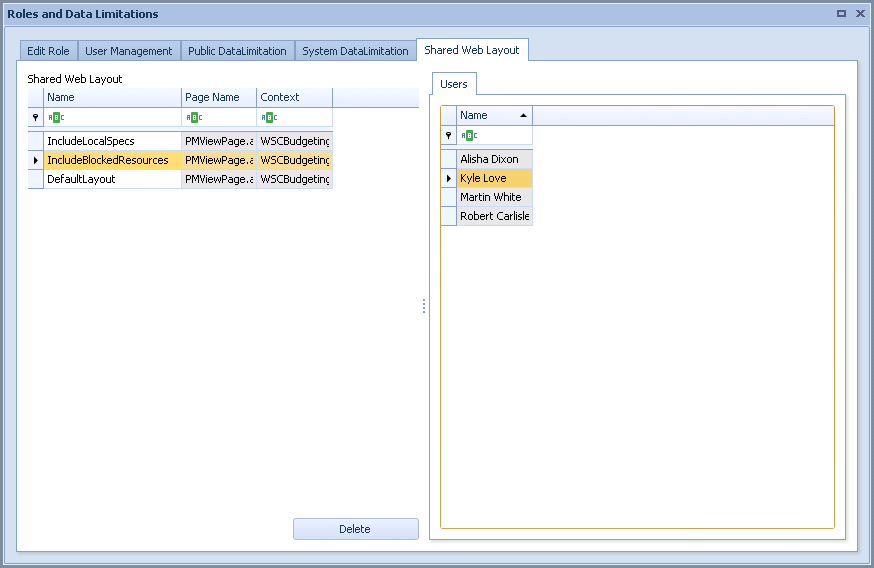
The list of Shared Web Layouts appears in the Shared Web Layout pane, and the list of users who have access to those layouts appears in the Users pane.
This example shows that user Kyle Love can access the IncludeBlockedResources Shared Web Layout.