
Accessing Costpoint
Costpoint provides multiple options for entering time and expenses from either a desktop or a mobile device. You can access Costpoint through a web browser or install Costpoint Mobile with one click directly from the Costpoint Login page, through the Apple App Store, or through the Google Play Store.
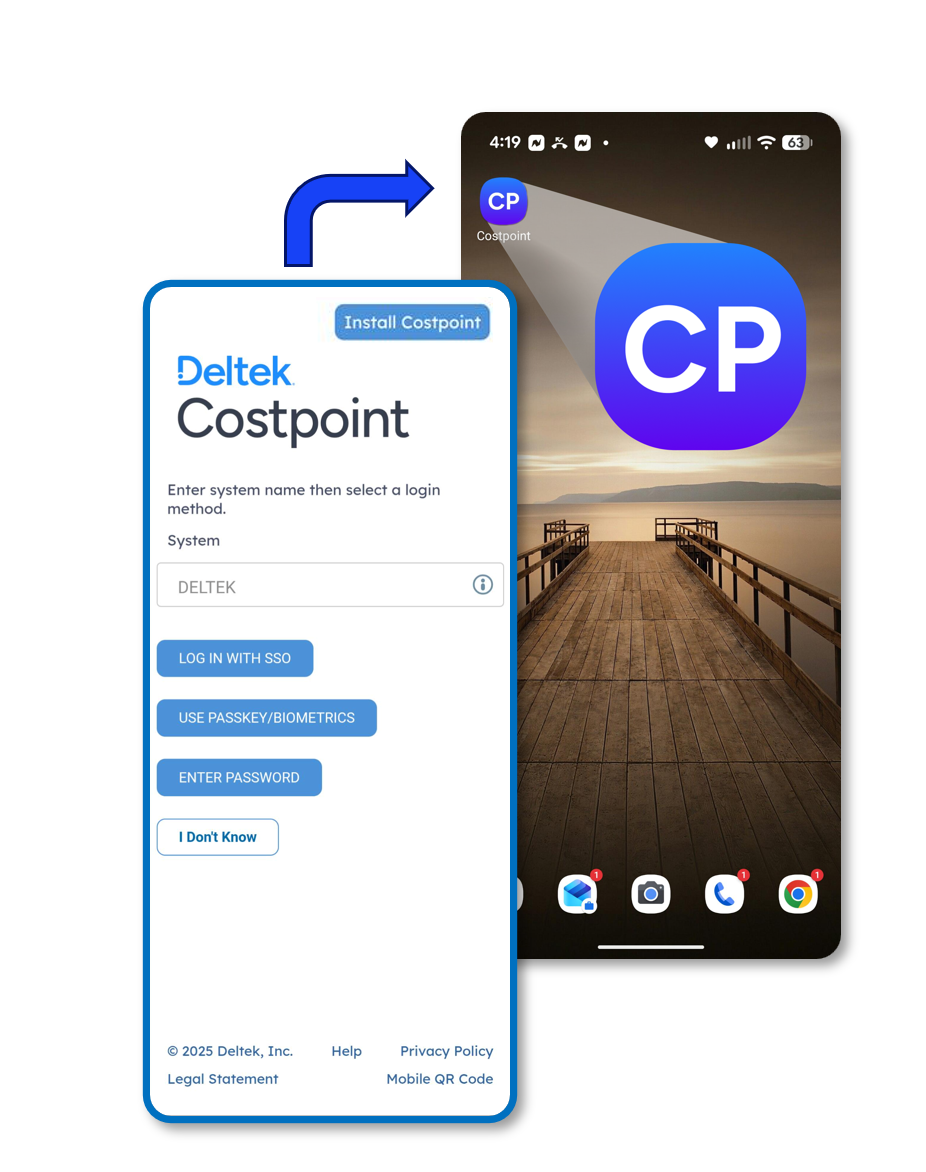
Costpoint Mobile offers a modern mobile experience that enables you to enter, submit, approve, and manage time and expense activities while on the go. You may also continue using the Costpoint Time & Expense App, which remains in Maintenance Support today and is planned to transition to Sustaining Support in July 2027, aligned with the release of Costpoint 2027.3.
Costpoint also provides additional options for time and expense entry, including Microsoft Teams, Microsoft Outlook, and Ask Dela, which allows you to perform common time-entry and timesheet tasks using a simplified UI or natural language. These options give you flexibility to manage time and expense reporting through the interface that best fits your workflow.
Related Topics:
Access all Costpoint modules and features in Costpoint Mobile on your desktop or mobile device.
Costpoint Time & Expense App Access
The Costpoint Time & Expense App, published in your mobile app store, provides access to Costpoint's Time & Expense module only.
This section contains features available when using Costpoint Mobile or when using the Costpoint Time & Expense App.
One of the secure authentication methods you can use is passkey. Passkey authentication is based on FIDO standards for verifying a user’s digital credentials on the web. It stands for Fast Identity Online, and it works on any web browser and on all your devices, including smartphones, desktop computers, laptop computers, tablets, and smartwatches. Passkey makes logging in to your online accounts much easier while keeping your information safe from hackers and trackers. In Costpoint, passkey is used for authentication and digital document signing.