Prompts - PSR Template
The PSR Template prompt includes selections such as Company, Project Level, Rate Type and others.
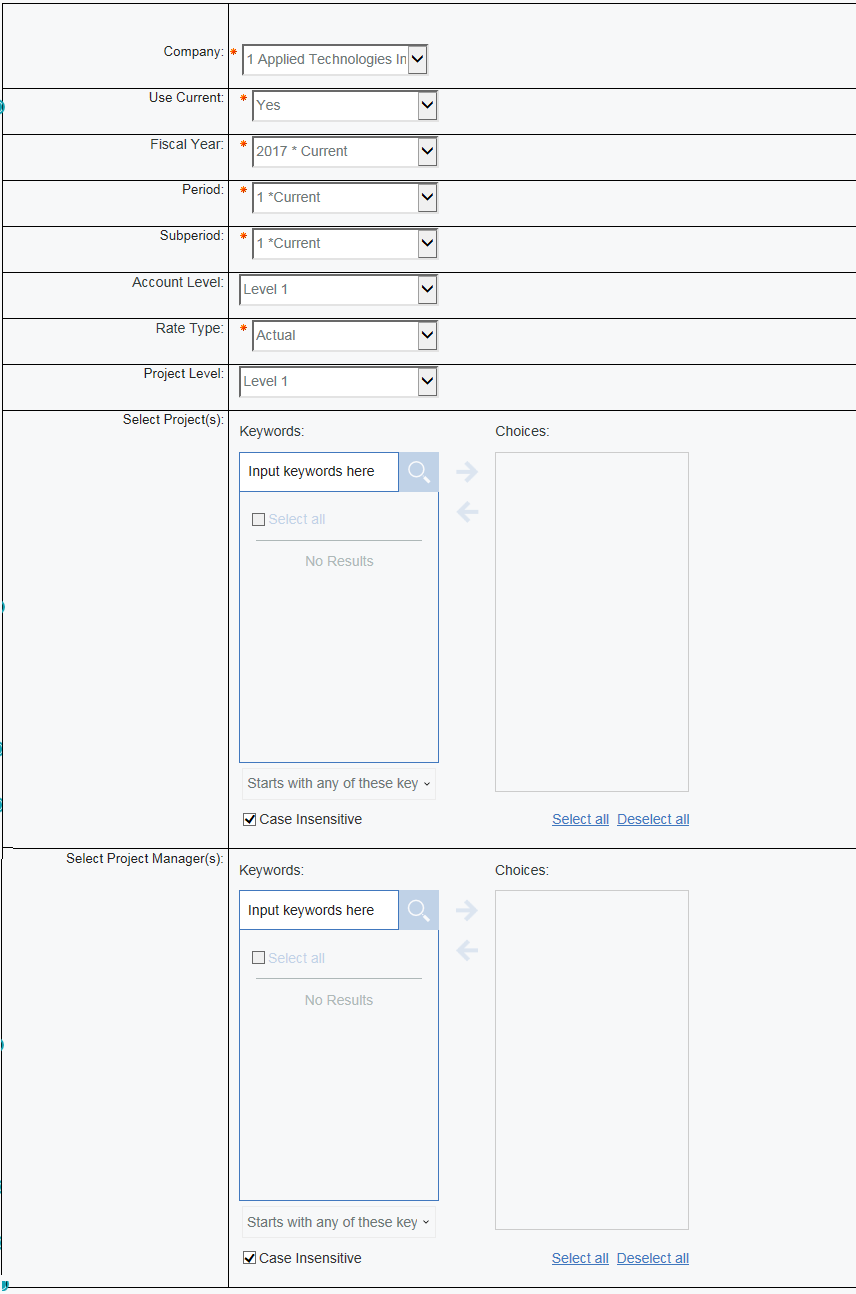
|
Prompt Message |
Description |
|---|---|
|
Company |
Select the Company that you want to display in the report. |
|
Use Current |
Select Yes if you want to use the current period in the settings which automatically fills in the year, period, and subperiod. |
|
Fiscal Year |
Select the Fiscal Year to display in the report. |
|
Period |
Select the Period to display in the report. |
|
Subperiod |
Select the Subperiod to include in the report |
|
Account Level |
Select the account level at which you want the report printed. |
|
Rate Type |
Select either Actual or Target to indicate if you want to use actual rates or target rates in the report. |
|
Project Level |
Select the project level at which you want the report printed. |
|
Select Project(s) |
Select the projects that you want to include in the report. |
|
Select Project Manager(s) |
Select the project manager(s) that you want to include in the report. |