Fixing Duplicate Project Names
You may encounter an error in the Cobra application during login or when switching the View drop-down list in the Projects pane of the Cobra Explorer. This section provides guidance on manually handling duplicate project names.
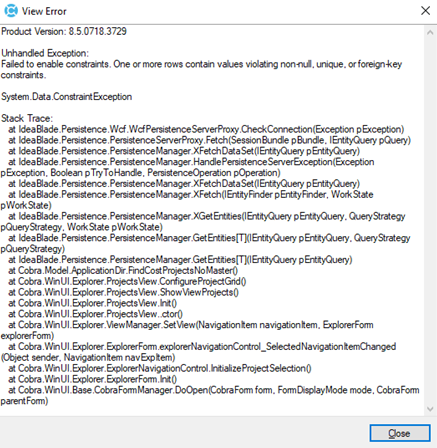
One cause of this error is duplicate project names in the WST_DIR table. These duplicates can arise from various issues, such as an incomplete project rename. Beginning with Cobra 8.5 Cumulative 18, the application checks for duplicate project names when this error occurs. In addition, Cobra can automatically resolve these duplicates by renaming them to avoid conflicts with other projects. However, if you prefer, you can manually handle these duplicate project names by following these steps:
- Identify duplicate project names.
- Update the duplicate project names.
Important: Before you proceed with the steps, create a backup of your database. This backup will act as your restore point if any issues arise during the process.