Types of Filter Options
You can filter wInsight Analytics data using several types of filter lists or by interacting directly with charts and tables.
Filter Lists
|
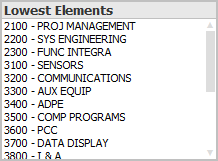
Use the filter lists to select the contracts, elements, and so on, for which you want to analyze data. Some filter lists appear on multiple tabs (for example, the Lowest Elements list). |
Additional Filter Lists
|
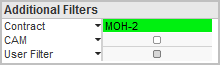
The filter lists under Additional Filters, which appear on several tabs, are drop-down lists. Click anywhere on the CAM row, for example, to display a list of control account managers for selection. |
Filter Options in Charts and Tables
|
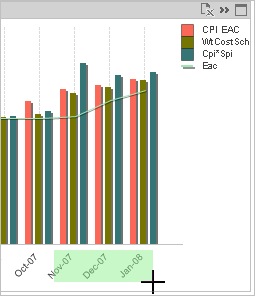
You can select a specific area of a chart, such as a set of data points or values along an axis, or specific rows or cells in a table to apply a more restrictive filter. (This illustration shows the selection of three periods on the chart axis. wInsight Analytics will then filter all charts and tables on the tab for those three periods.) |