
Select a domain, module, application, result set, or database table name to filter the Field Finder report.
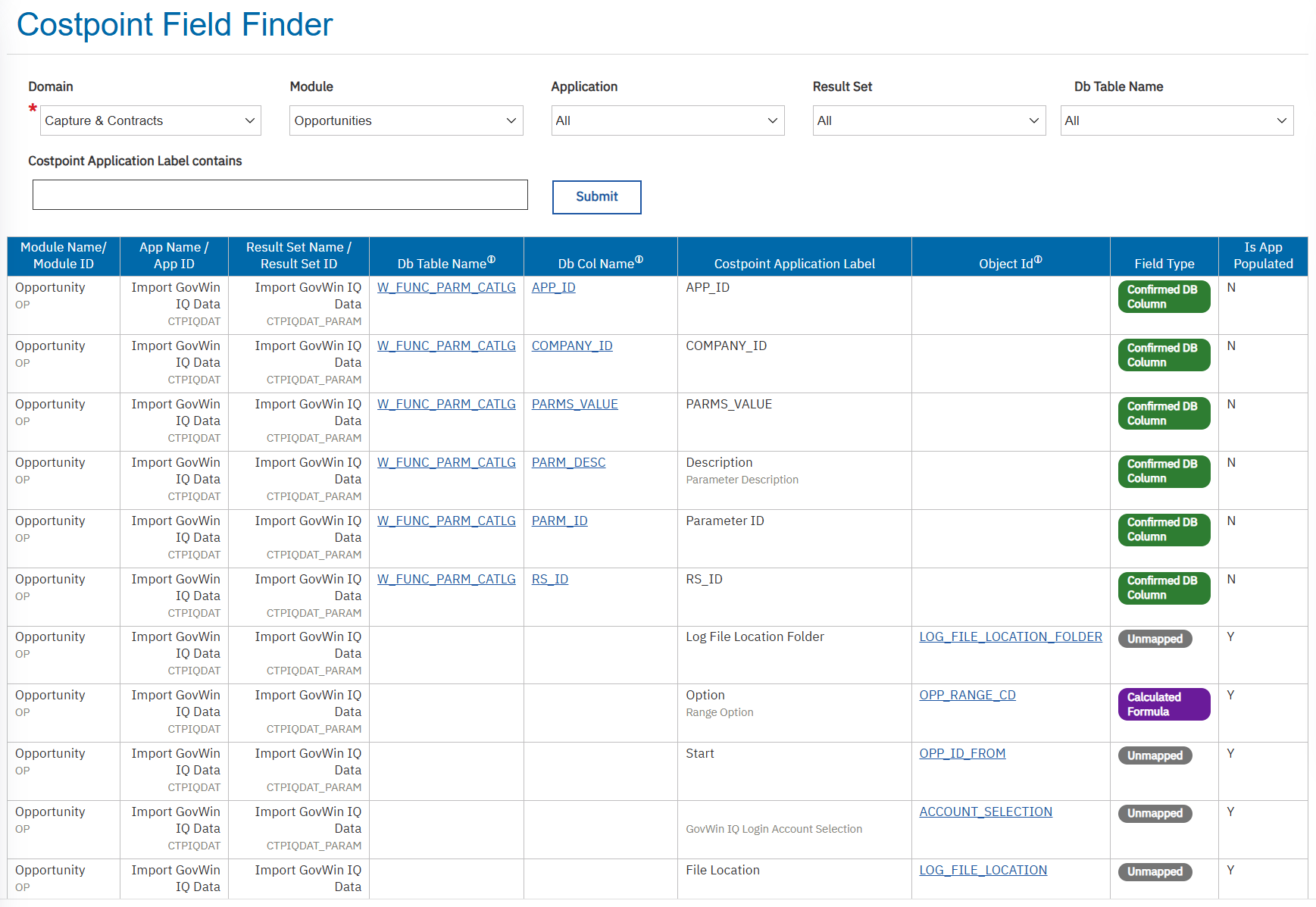
- In the Db Column Name field, click the column name to drill to the BI Package Field Finder report and see which packages include the column and the specific package path for locating that field.
- In the Db Table Name field, click a table name to open the Table Relationships report and drill to the parent and child table relationships, and the key fields needed to join related tables. If a field is not included in a package, you can use the report details to determine whether custom SQL is needed to report on that field.
- An Object ID without a table name or column name is derived. Click the Object ID to drill to the Data Dictionary for potential sources.