
Mobile QR Code
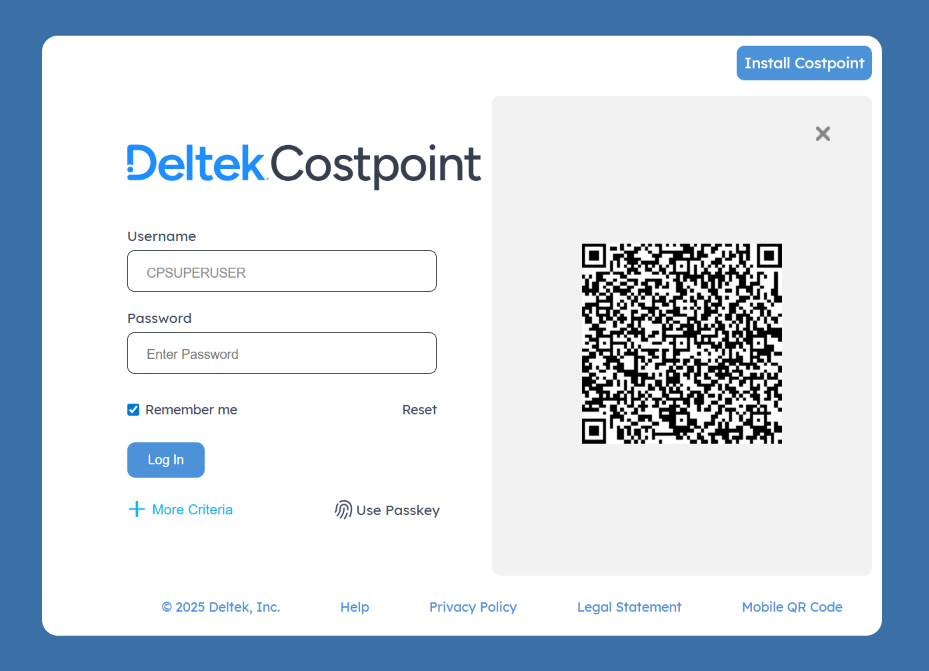
Click the Mobile QR Code link at the bottom of the Costpoint Login screen to display the mobile QR code.
The mobile QR code is encoded with the address of a particular server's Costpoint Login page. Use a mobile device's camera to scan the code and open the Costpoint Login page on a mobile device.
The mobile QR code offers a convenient way to share the Costpoint URL between devices. For example, you could scan the QR code with your phone from the laptop or another phone.
Related Topics:
Access Costpoint with a Mobile QR Code
Use a QR code to automatically open the Costpoint Login page on your mobile device or to share its location with other users.