To log on to Deltek GCS Premier© Budgeting & Planning, complete the following steps:
Launch the application by clicking the GCS Premier Budgeting & Planning icon located on your desktop or provided URL.
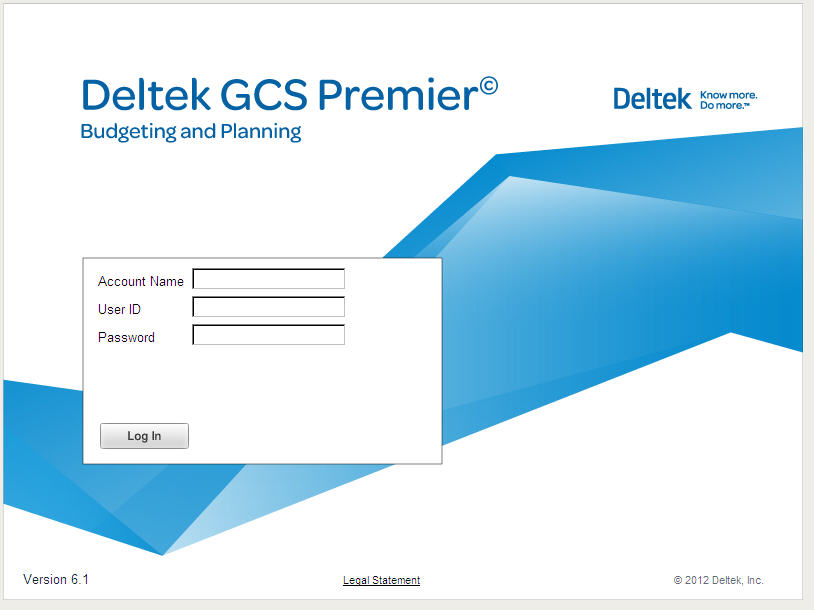
The Deltek GCS Premier Budgeting & Planning logon screen displays.
Enter the following information:
Account Name
User ID
Password
Click Log In. The GCS Premier Budgeting & Planning navigation screen displays.