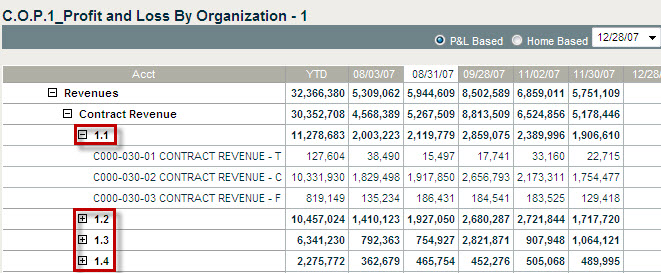
To access a cumulative profit and loss chart, complete the following:
Select the Cost Analysis module.
Select Organization as the in management context.
Navigate to the highest level of the Org./OBS structure in the organization navigation field.
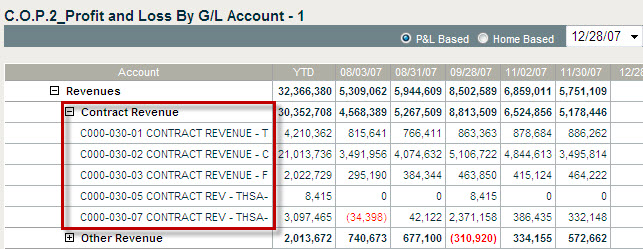
In Reports & Actions, select C.O.P.2 Profit and Loss by G/L Account.
Click to open the report.
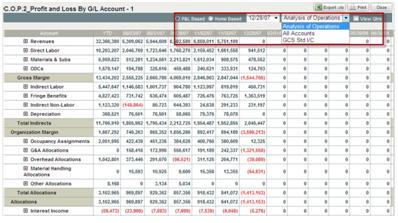
Select P&L Based or Home Based.
You can select a time frame from the drop-down list.
You can filter the report to show All Accounts or other options.
You can click the check box to View Qtrs.