Tabs
Project Management uses tabs to organize project information.
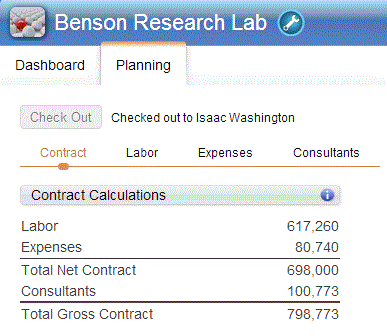
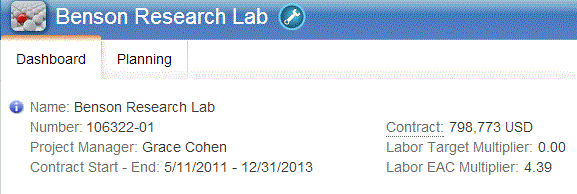
As shown in the following example, the Project Management workspace includes two tabs, Dashboard and Planning. The Dashboard tab provides an overview of the project's information, while the Planning tab includes pages that further organize your project details.
When you click the Planning tab, the options to select different pages of the workspace display. As you select these pages, the respective charts and grids display.