Pages
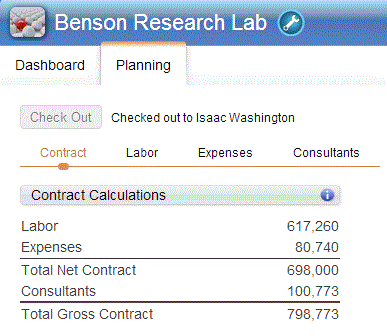
When you select the Planning tab, the options to select different pages of the workspace display. As you select these pages, the respective charts and grids display.
In the following example, the pages you can select from are Contract, Labor, Expenses, and Consultants. This list may change, though, depending on your access rights to the different Navigator applications, or the type of project that is selected. For example, the Consultants page option does not display, even when you have access to Consultants, if the selected project is a promotional or overhead project because you cannot plan consultants for that type of project.