The Project Management dashparts display a summary of the selected project's information on the Dashboard. If your role established in Vision > Configuration > Security > Roles allows you to access the Dashboard, you can see contract, labor, expense, and consultant dashparts even if you do not have access to their respective planning grids.
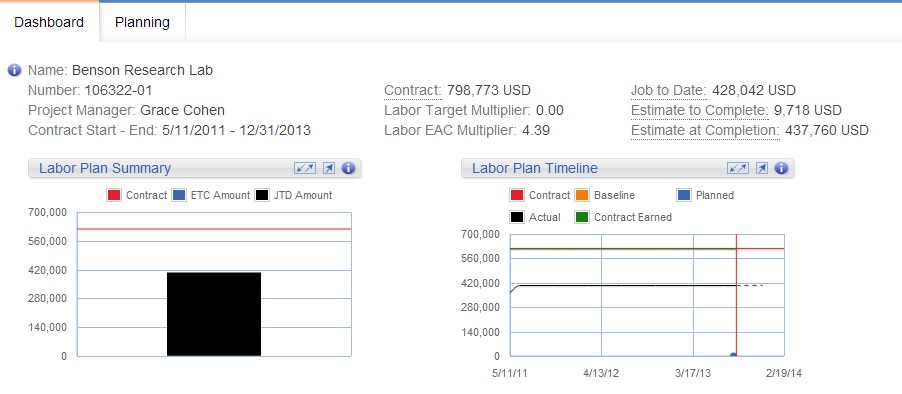
For example, following are the Labor Plan Summary and Labor Plan Timeline dashparts. These dashparts display on the Dashboard and the data updates as you make changes and save information on the Labor grid.
Some of the standard behaviors of Navigator dashparts include:
- You can click any label with a dotted line to view additional details.
- The periods that can display on the dashpart reflect the selected WBS element's date range. As you select a project, phase, or task on the labor planning grid, the amounts on the dashpart update to reflect the data for that WBS row.
- For most dashparts, as you review their data, you can mouse over or tap on the data points to view specific amounts. If the project has a Navigator plan, the data points are based on the calendar scale assigned in Plan Settings. If the date range for the selected WBS element on a Vision plan is 0 to 180 days, the data points are weekly; if the range is greater than 180 days, the data points are monthly.
- If your firm uses Vision Multicurrency, the amounts display in the project's billing currency or project currency. The currency is based on the
Use Billing Currency not Project Currency option in
.
You can select a maximum of four dashparts to display. See the Select Dashparts to Display online help topic for more information.